


 Zūm Rails
 Stripe
 Interac e-Transfer
 Visa
Visa Mastercard
 American Express
 Apple Pay
 Google Pay
 QuickBooks
 Twilio
 Microsoft 365
 Google Workspace
 Canadian team

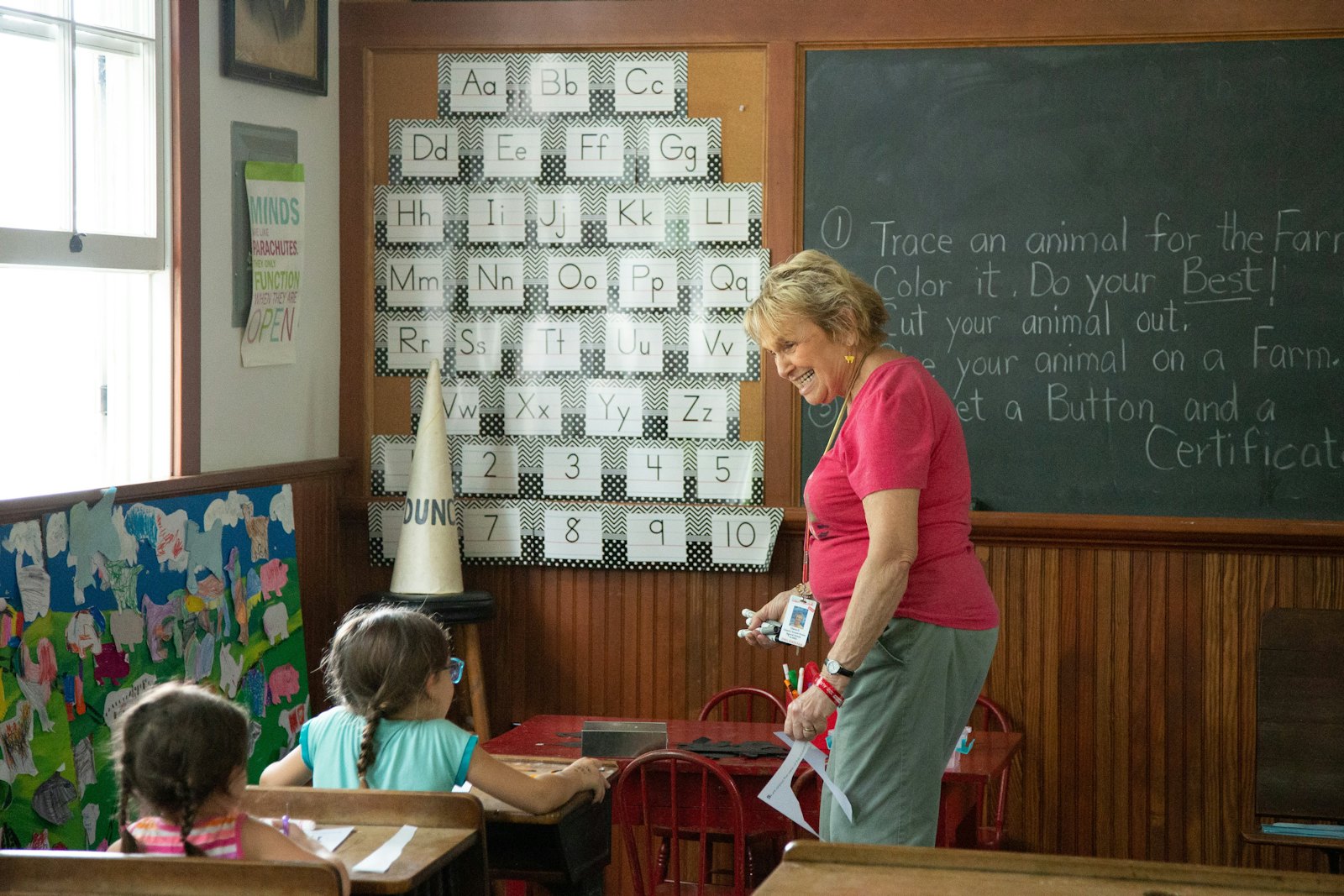

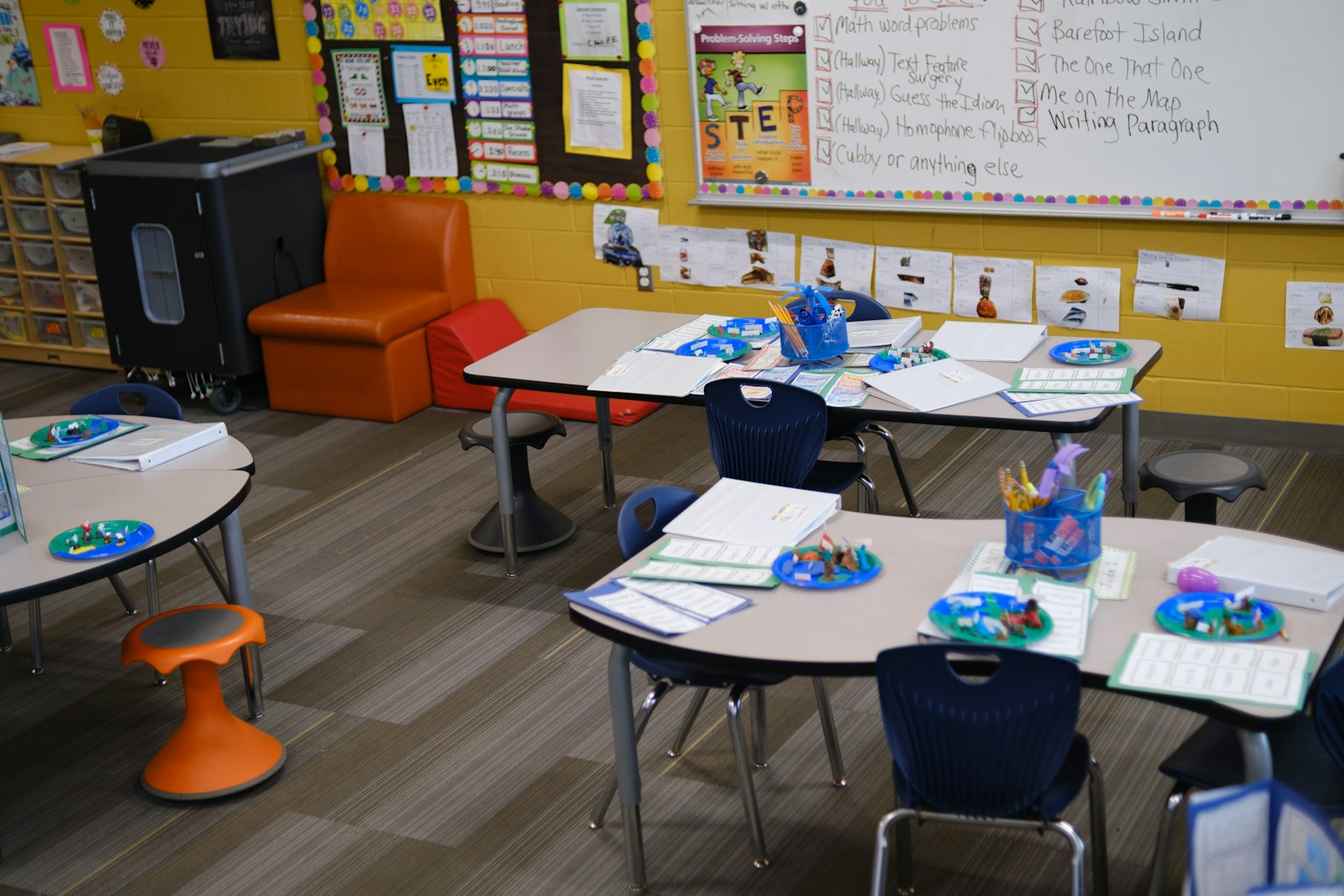


Parents want to know how their child’s day went, and they want to hear it quickly: a photo from the sandbox, a note that lunch went well, a reminder that the centre closes early on Friday. For childcare programs, the tool you use to share those moments shapes how families feel about you. The choice has grown harder, though. Some apps only send messages, some are built for schools rather than childcare, and some try to run your whole program.
This guide explains what to look for in a parent communication app for a childcare centre or home child care agency, compares the kinds of tools programs use today, and helps you decide between a dedicated messaging app and an all-in-one childcare platform.
What to look for
Before comparing apps, agree on what your program actually needs. These six questions separate a good fit from a frustrating one.
- Is it two-way? Families should be able to reply, ask a question or report an absence, not just receive broadcasts. Check whether staff can answer from their own account rather than a personal phone.
- Can the director see and guide it? Leadership should be able to see conversations, set who can message whom, and step in when a conversation needs care. Messaging that lives on educators’ personal phones is hard to supervise and hard to archive.
- Does it reach every family? Look for messages in the family’s own language, email or text for families who don’t use apps, and an accessible design. A tool that only works for tech-comfortable parents quietly leaves some families out.
- Does it fit the childcare day? Childcare communication is more than messages: daily reports on meals, naps and diapering, photos, check-in and check-out, incident notes and signed forms. A school messaging app rarely covers these.
- Does it protect children’s information? Ask where data is stored, who can see photos of which children, how consent is handled, and how the product supports your obligations under Canadian privacy law such as PIPEDA.
- How is it paid for? Free tools are often paid for in other ways: upgrades sold to parents, limits on admin features, or advertising. Understand the business model before families come to depend on it.
The options at a glance
Most programs choose between three kinds of tools: general messaging apps, childcare apps focused on daily communication, and all-in-one childcare management platforms.
| Type of tool | Good for | Watch for |
|---|---|---|
| General messaging apps (group chats, school apps such as Remind or ClassDojo) | Getting started quickly and cheaply | Not built for childcare records, ratios or billing; limited director oversight; personal phone numbers |
| Childcare communication apps | Daily reports, photos and messages that parents enjoy | Billing, subsidies and staff tools may be separate or extra, so admin work still happens elsewhere |
| All-in-one childcare platforms | One record for families, attendance, billing and communication | More to set up; make sure the parent experience is as friendly as a dedicated app |
Popular choices, compared
1. Lillio (formerly HiMama)
A Canadian childcare app, based in Toronto, that is well known for daily reports, photos and videos, parent messaging and documentation of children’s learning. Many Canadian centres use it for family engagement. Good fit if daily communication and documentation are your main priorities. Ask about which billing, subsidy and staff features are included in your plan.
2. brightwheel
A widely used childcare app from the United States that combines parent messaging, daily reports and photos with check-in and billing. It is popular with centres that want a single, polished app. Good fit if you want an established product with a large user base. Ask about Canadian requirements: CWELCC reporting, provincial subsidies, Canadian dollars and where your data is stored.
3. Procare
A long-established childcare management system from the United States, known for billing, accounting and reporting, with a parent app for messages and daily updates. Good fit if your priority is detailed financial management. Ask about how the parent experience and Canadian subsidy programs are handled.
4. Famly
A childcare platform that began in Denmark and is widely used in the United Kingdom, with a parent app and learning journals built around frameworks such as the Early Years Foundation Stage. Good fit if learning documentation is at the heart of your communication with families. Ask about Canadian learning frameworks, subsidy programs and currency.
5. General messaging apps
Group chats and school communication apps such as Remind and ClassDojo are easy to start and often free. They work for quick announcements, but they are not designed for childcare: there are no daily reports, ratios, incident records or billing, director oversight is often limited, and staff may end up sharing personal phone numbers. Good fit if you need a short-term stopgap. Ask about privacy settings, who can see messages, and how you would export records later.
The case for an all-in-one platform
When communication lives in one app and everything else lives somewhere else, your team does the same work twice. A child signed in on paper still needs to be marked present for the parent app; an invoice question arrives by text but the account is in another system; an allergy noted in a message never reaches the child’s record. Over a year, those gaps cost hours and occasionally cause real mistakes.
An all-in-one platform connects communication to the records it is about. When a child is checked in, parents see it; when an educator writes an observation, it can go to the family and into the child’s portfolio; when a family has a billing question, the answer is on the same screen.
Where KiddieTrac fits
KiddieTrac is a Canadian childcare platform for centres, home child care agencies and multi-site organizations. For parent communication it includes:
- A parent app with photos, daily summaries of meals, naps and activities, and two-way messages with the team
- Announcements to your families, with optional text messages and automated phone calls for urgent news
- The portal in English, French, Spanish and Hindi, so families can use the language they are most comfortable with
- Check-in and check-out, Safe Arrival alerts when a scheduled child hasn’t arrived, incident reports and forms to sign
- Observations and report cards linked to your learning framework, such as How Does Learning Happen?
- Billing, CWELCC and provincial subsidies in the same record, so families and the office see the same information
Like any all-in-one system, it takes a little more setting up than a messaging app. In return, communication becomes part of the work your team already does, instead of an extra step.
How to decide
- List the three communication problems you most want to solve, such as missed messages, late absence notices or parents asking for photos.
- Decide whether you want communication only, or communication connected to attendance and billing.
- Shortlist two or three tools and book demos. Ask each vendor to show the parent app on a phone, not just the admin screens.
- Ask where data is stored, how consent for photos works, and how you would export your records if you ever leave.
- Run a pilot with one room and a few families, and ask them what they think before you roll it out.