


 Zūm Rails
 Stripe
 Interac e-Transfer
 Visa
Visa Mastercard
 American Express
 Apple Pay
 Google Pay
 QuickBooks
 Twilio
 Microsoft 365
 Google Workspace
 Canadian team

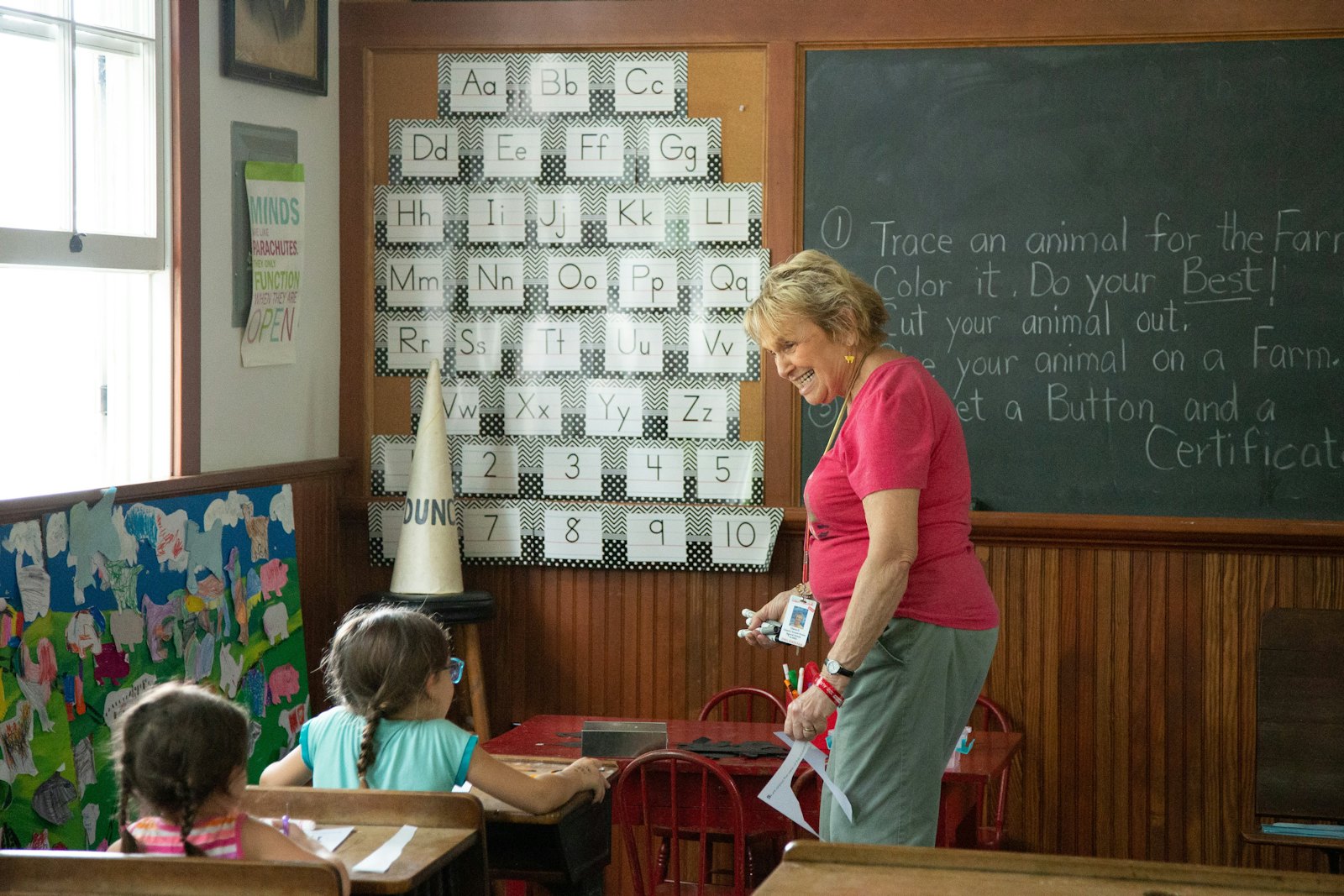


The sign-in sheet on a clipboard by the door has served childcare programs for decades. It is cheap, needs no training and never runs out of battery. Digital check-in using QR codes is now common too. Neither is perfect, and the right choice depends on your program. Here is a fair comparison.
How QR check-in works
In a typical setup, each family has a code on their phone. At drop-off and pickup, the parent shows the code and an educator scans it with a tablet or phone. The system records which child arrived or left, the time, and who was involved. Families generally do not need to handle a shared pen or device.
Accuracy and legibility
Paper sheets depend on handwriting and memory. Times get rounded, entries get skipped during a busy morning, and initials can be hard to read weeks later. When a question comes up about whether a child was present on a particular day, a smudged sheet is not much help.
A scan records the time automatically and ties it to a specific child. It does not remove human error entirely: an educator can still forget to scan, or scan the wrong sibling. But the record that exists is clear and legible.
Time-stamping
Accurate arrival and departure times matter for ratios, for billing policies such as late pickup, and for any funding that depends on attendance. On paper, the time written is whatever the parent or educator writes. With a digital system, the time is captured when the scan happens. That is more reliable, though it is only as good as the habit of scanning at the moment of arrival rather than later.
Authorised-pickup verification
This is one of the more important differences. With paper, staff rely on recognising faces and checking a list kept somewhere else, often a binder in the office. A new or substitute educator may not know who is permitted to pick up a child.
A digital system can show the list of authorised pickup people, with photos where you have them, at the moment of pickup. It still needs a trained educator to check identification when they do not recognise someone. Technology supports the judgement; it does not replace it.
Fire drills and emergency roll call
During an evacuation, you need to know who is on site right now. A paper sheet can be grabbed on the way out, but it may be incomplete, and working out who is present from a page of handwritten entries takes time.
A digital list of children currently checked in, visible on a phone or tablet, can make roll call faster. The caveat is obvious: if the device is left behind or has no charge, it is no help. Your emergency plan should cover both.
Privacy
A sign-in sheet on an open clipboard shows every child's name, and sometimes pickup notes, to anyone who walks past, including other parents and visitors. Many programs have not thought of it this way, but it is personal information in plain view.
Digital records can be limited to staff who need them. That depends on the system being set up with sensible access controls and on staff not leaving devices unlocked.
Costs and the learning curve
Paper costs almost nothing. A digital system has a subscription or licence cost, and you will need at least one device at each entrance. There is also a learning curve for staff and families. Expect the first weeks to be slower, with some families forgetting their codes and some educators reverting to habit.
Things that help:
- Introduce it with a short, clear note to families explaining why you are making the change.
- Choose a start date that is not your busiest week.
- Keep a device at the door, charged and signed in, every morning.
- Have a simple fallback for families who arrive without their phone, such as an educator checking the child in manually.
When paper still makes sense
Even programs that move fully to digital check-in often keep paper for specific situations:
- Power or internet outages. A printed backup sheet should be ready to use.
- Emergency kits. A printed list of enrolled children and emergency contacts, updated regularly, belongs in your evacuation bag.
- Field trips and off-site outings, depending on your devices and coverage.
The honest bottom line
Paper is simple and cheap but weak on accuracy, privacy and pickup verification. QR check-in improves those areas but costs money, needs devices and requires a few weeks to become habit. For most programs with more than a handful of children, the digital record is easier to trust. For almost every program, a paper backup plan is still wise.
How KiddieTrac helps
KiddieTrac uses QR-code check-in and check-out: the parent shows a code and an educator scans it. Attendance feeds room ratio monitoring and billing, and staff can see who is currently on site.